
Maintenance Fleets
Identify maintenance, inspection, turnover, and field-service vehicles with clear role and contact hierarchy.

Coordinate maintenance vehicles, leasing windows, office privacy, amenity walls, tenant changes, vacancy graphics, and multi-property campaigns within one adaptable visual system.
Property graphics work at very different speeds. A maintenance van needs quick recognition. A leasing window balances identity, promotion, daylight, and sightlines. An amenity wall can carry a deeper brand story. A vacancy campaign has a defined end date.
The system should feel related without forcing the same message and layout onto every vehicle, pane, wall, and property. We document the shared brand elements, then adapt them to the surface and audience.
Owners and managers approve property rules, legal copy, accessibility and life-safety clearances, tenant permissions, claims, and required notices. We organize approved content and site information into the production scope.

Use one application or combine them into a rollout built around locations, access, and change dates.
Identify maintenance, inspection, turnover, and field-service vehicles with clear role and contact hierarchy.

Adapt professional partial wraps, lettering, or compatible removable signs to cars, SUVs, and mixed-use vehicles.

Balance entrance identity, availability messages, promotion, daylight, doors, and property sightlines.

Use dusted, frosted, patterned, or printed film for selective screening and office identity after lighting review.
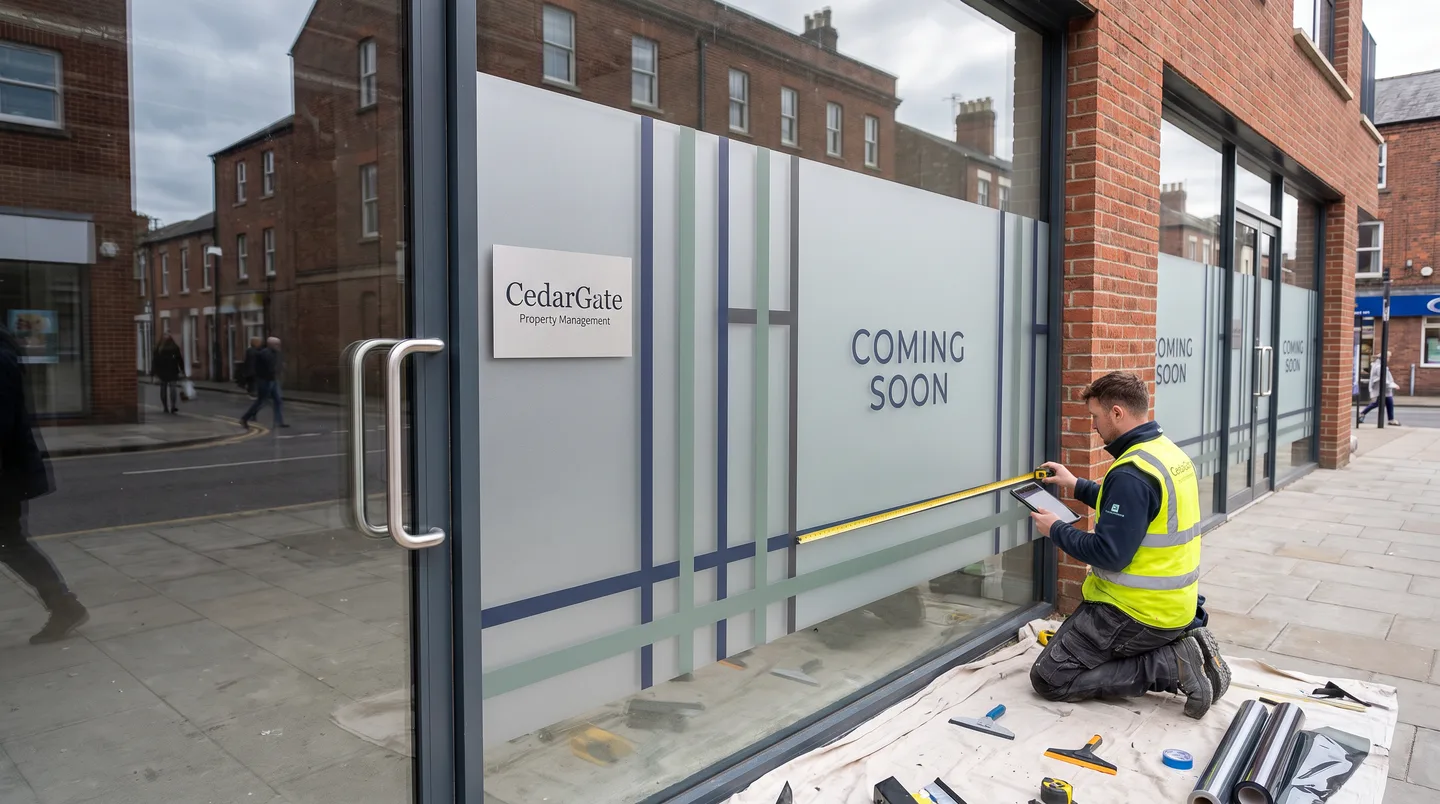
Plan temporary coverage and announcements around lease dates, renovations, openings, exposure, and removal.

Extend the property story into lounges, fitness areas, corridors, mailrooms, and resident-facing program spaces.

Coordinate approved barriers, wall surfaces, windows, and campaign vehicles around site access and local requirements.
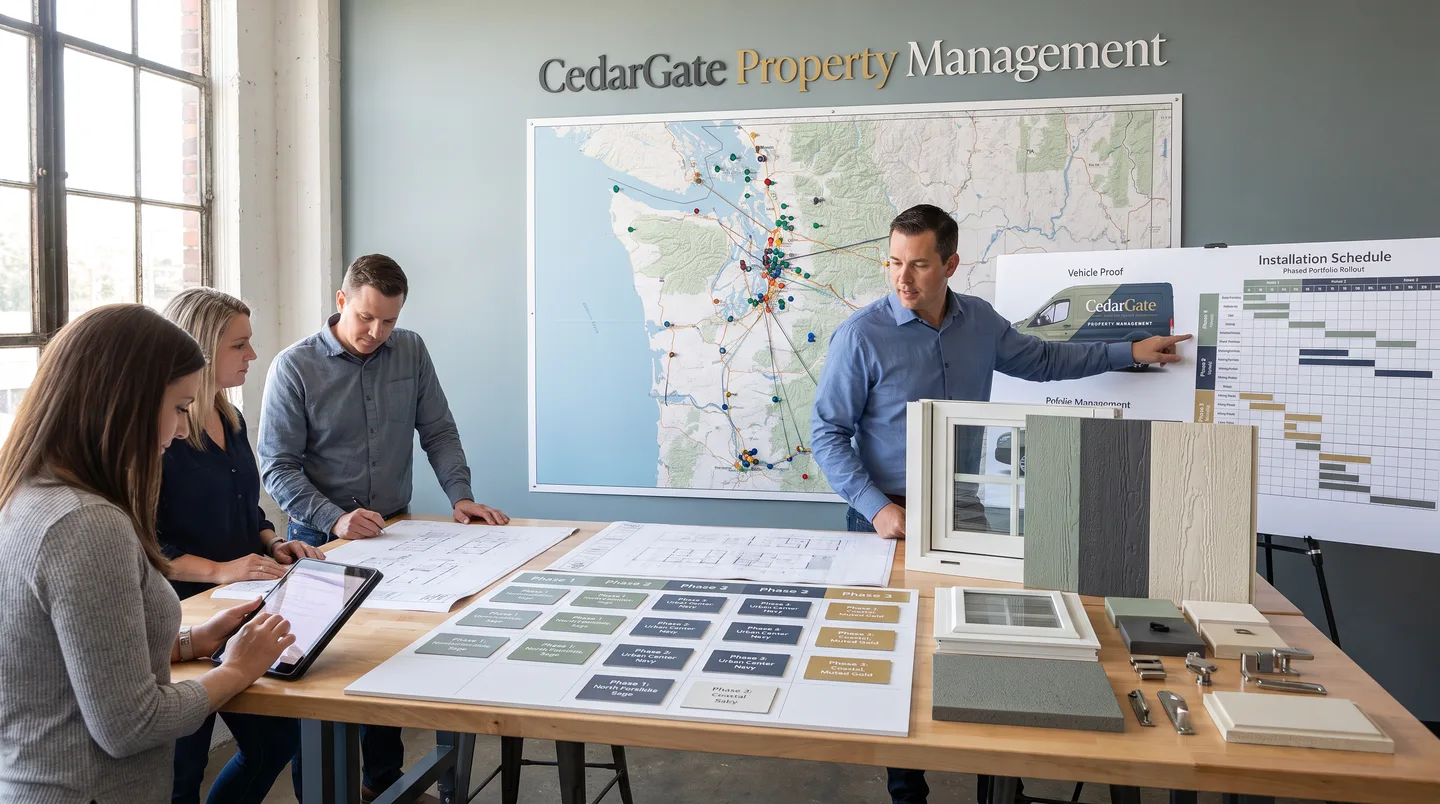
Track locations, dimensions, vehicle variants, approvals, access, production batches, and replacement needs.
Useful records connect approved art with each property, pane, wall, vehicle, dimension, surface note, version, install date, access requirement, and expected change event. That reduces guesswork when a tenant changes, a vehicle is replaced, or a new location joins the portfolio.
Give every location and surface a stable reference for surveys, proofs, production, and future replacement.
Keep current measurements, elevation photos, glass orientation, wall finish, and vehicle records together.
Separate portfolio, property, tenant, campaign, and operational variants so the correct art reaches each site.
Record building hours, loading, parking, lifts, keys, escorts, tenant coordination, and site contacts.
Track lease transitions, openings, campaign windows, renovations, removals, and rebrand dependencies.
Define requested photos, identifiers, completion records, and who approves the finished installation.
Plan around body condition, ownership, routes, role, doors, equipment, identifiers, and future fleet additions.
Review lighting, viewing direction, doors, coverage, sightlines, seams, removability, and property rules.
Define which views need screening, at what height, from which direction, and under which lighting conditions.
Inspect paint, texture, repairs, moisture, coatings, fixtures, removability needs, and viewing distance.
Plan installation and removal together around duration, exposure, surface history, access, and end-state expectations.
Inspect first because film, adhesive, coatings, paint, repairs, and hidden surface conditions affect the outcome.
List properties, vehicles, surfaces, dimensions, current conditions, audiences, dates, access, and approval owners.
Define shared brand elements and the property, tenant, campaign, operational, and surface-specific variants.
Confirm site conditions, proofs, owner-supplied requirements, access, materials, sequence, and handoff needs.
Organize production and installation by location, operational window, dependency, and approved priority.
Share the locations, surfaces, vehicles, change dates, and access details that define the rollout.